How do I set up the Számlázz.hu key?
Invoices are made in the workshop's own Számlázz.hu account. For this the program needs the account's Számla Agent key.
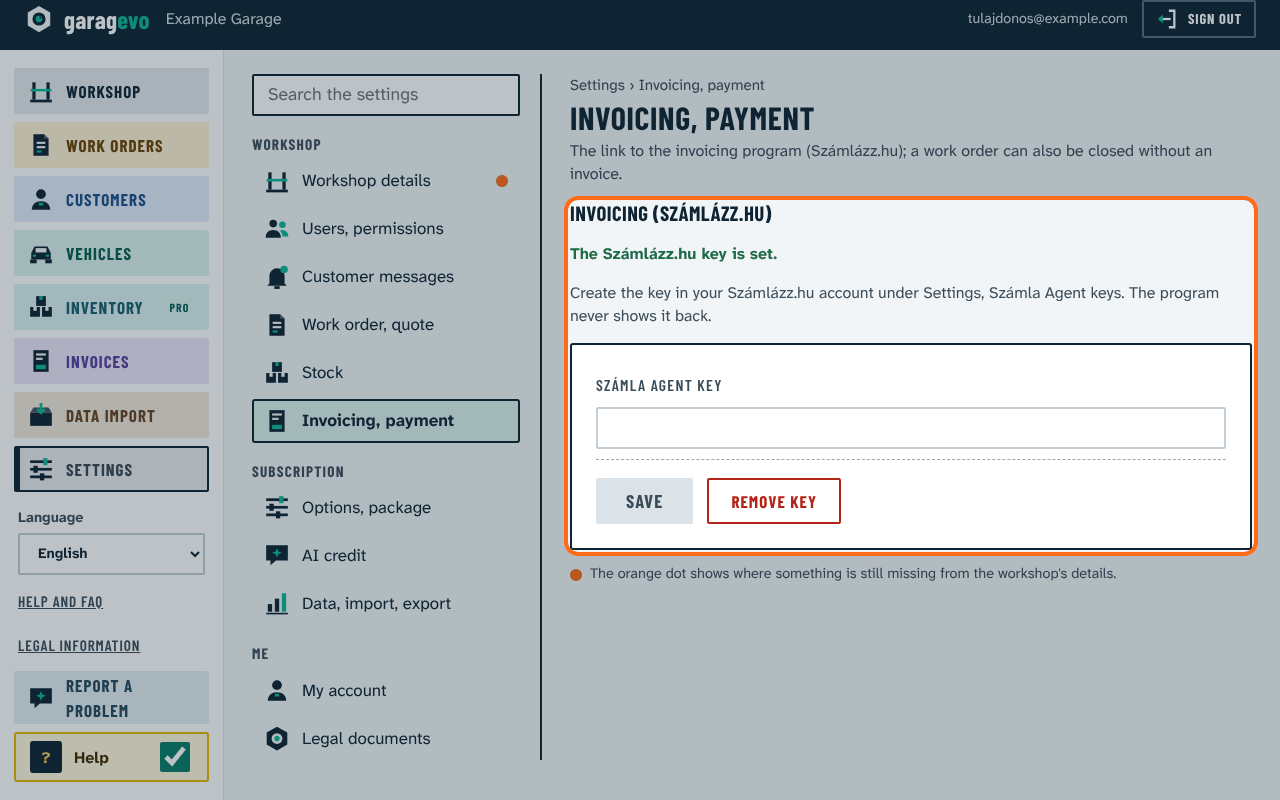
- In your Számlázz.hu account, create a key under Settings, Számla Agent keys, and copy it.
- In Garagevo open Settings › Invoicing, payment.
- Paste the key into Számla Agent key and press Save.
The program then says: "The Számlázz.hu key is set." It never shows the key back; Remove key removes it. Only the owner can enter the key.
The program works without invoicing too: a work order can be closed without an invoice.