How do I add a new customer?
In the Customers menu press New customer, fill in the details, then Save.
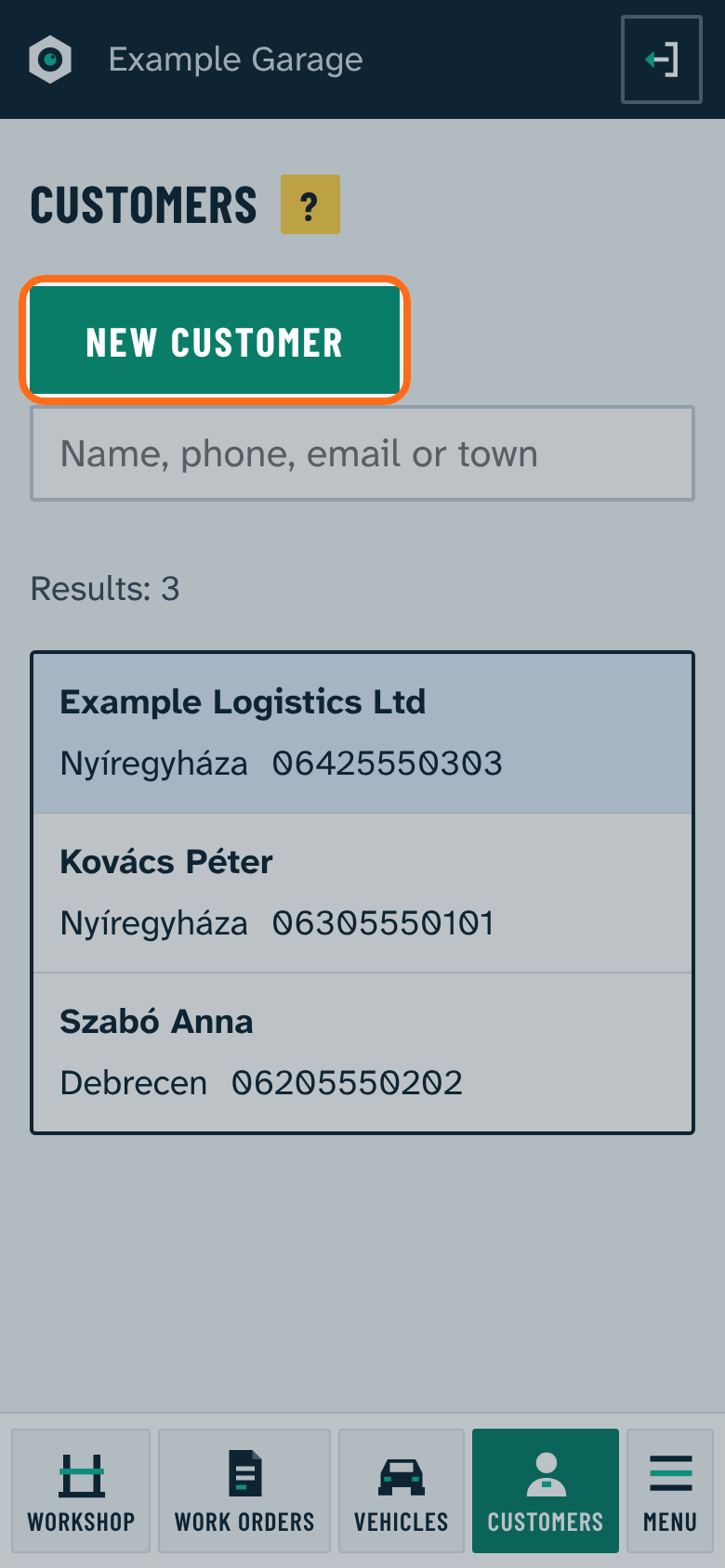
- By default the name and a phone number are required (can be changed in Settings).
- For company names (Kft., Ltd, GmbH) the program ticks Company automatically.
- The program brings phone numbers into a uniform format, for example it restores a missing Hungarian 06 prefix.
A new customer can also be added quickly with a name and phone number while starting a work order.