How do I add a new article to the inventory?
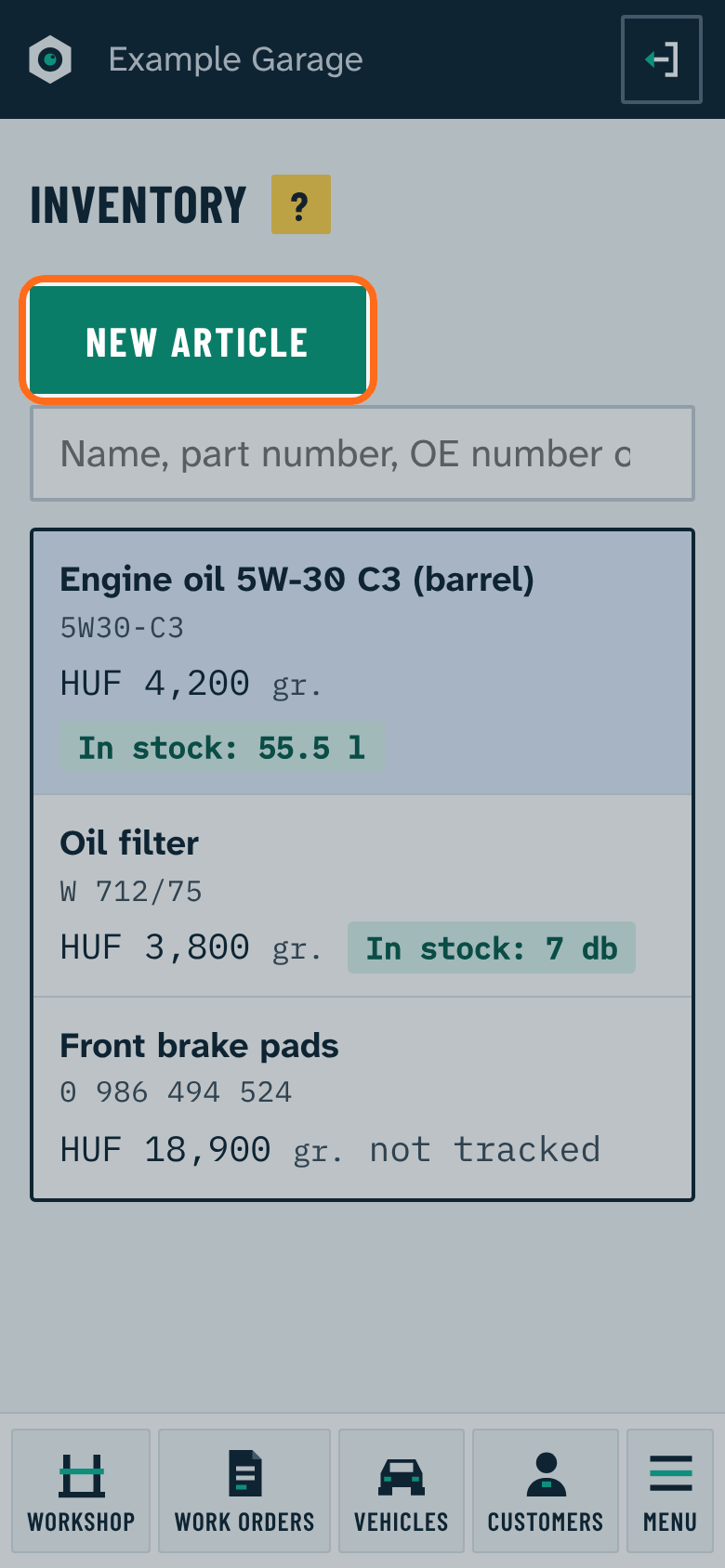
In the Inventory menu press New article. Only the name is required.
- If a margin is set in Settings, the program suggests a sale price from the purchase price.
- On the article page you can add OE (original) numbers, other makers' numbers and the barcode; search finds the article by these too.
- On the work order the program offers the article from the first letters of its name or part number and fills in the price.