How do I receive goods and do a stocktake?
On the article page, in the stock part:
- Goods receipt: enter the quantity received and, if known, the purchase price, supplier and delivery note number.
- Stocktake: enter what is really on the shelf. The program works out and logs the difference.
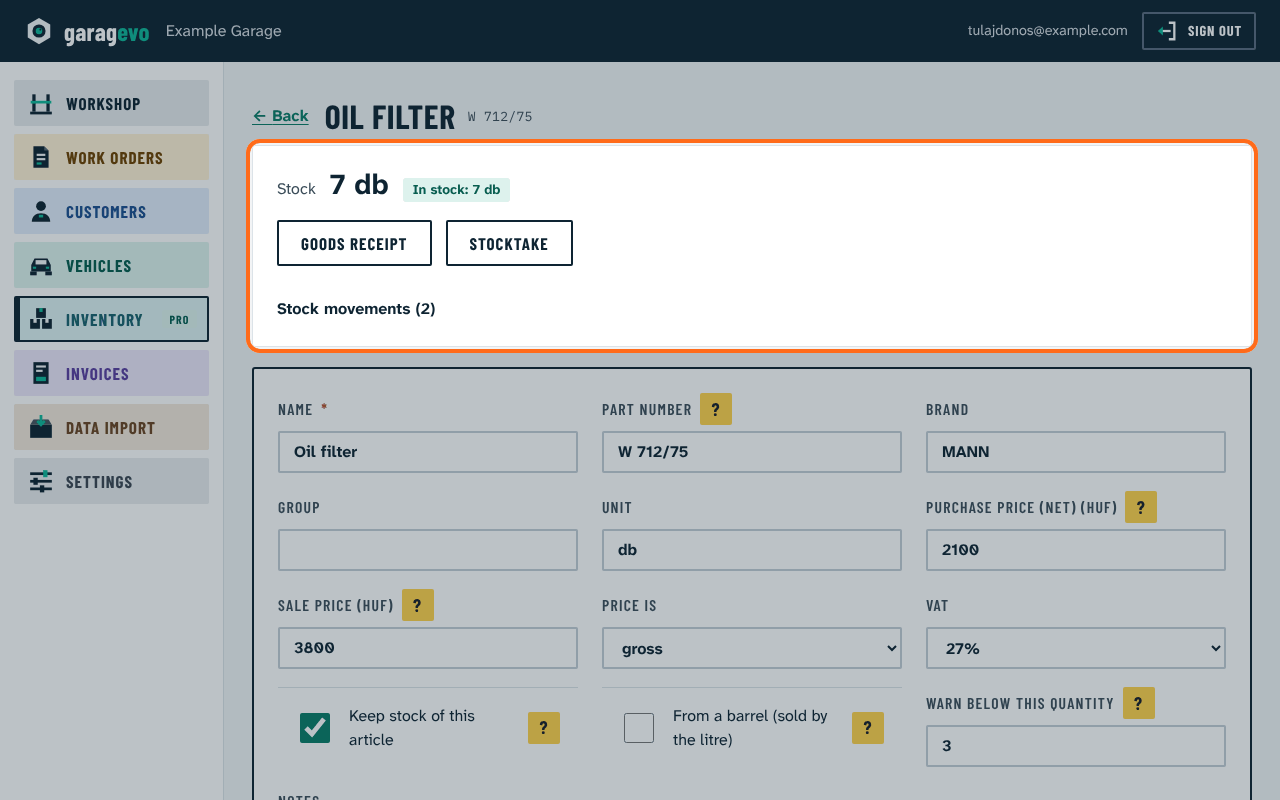
This needs the Stock keeping option on (from the Pro package), and Keep stock of this article ticked on the article.
Stock only warns (orange: low, red: not enough); it never stops the work.