What do I enter when accepting the contract?
At the first login the workshop's owner accepts the General Terms and Conditions and the Data Processing Agreement.
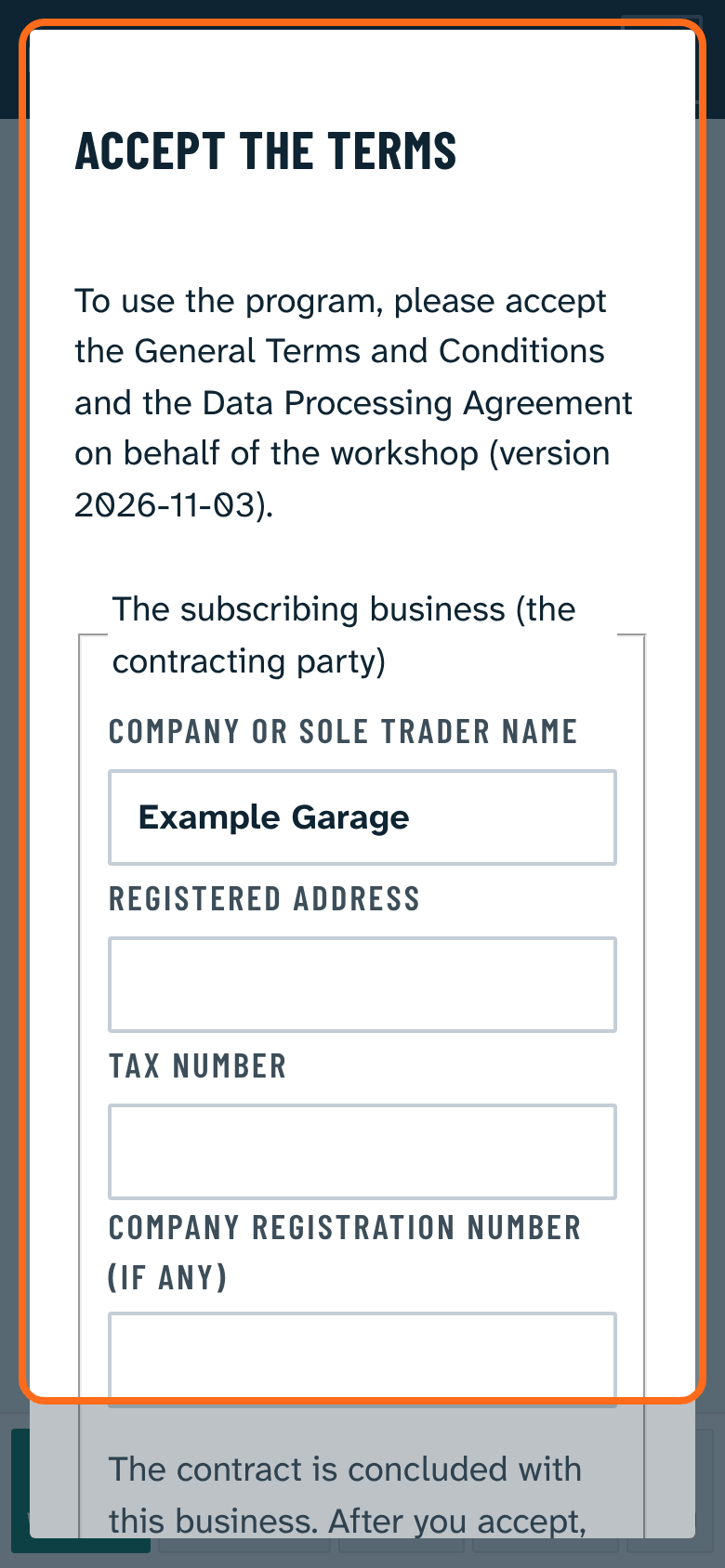
- Enter the subscribing business: company or sole trader name, registered address, tax number, and the company registration number if any. The contract is concluded with this business.
- The documents can be read right there with the buttons. Clause 9 (liability) and clause 12 (amendment) of the terms are highlighted.
- Tick both boxes. While something is missing, Accept is grey and the missing items are shown in red next to it.
- Press Accept.
The program records the time of acceptance; the business data cannot be changed later. After you accept, we confirm the contract by e-mail and attach the accepted documents. When a new version of the terms appears, the owner accepts it again at the next login.