How do I download all of the workshop's data?
In Settings › Data, import, export press Download all data. One ZIP file is downloaded: customers, vehicles, work orders, lines, quotes, stock and photos.
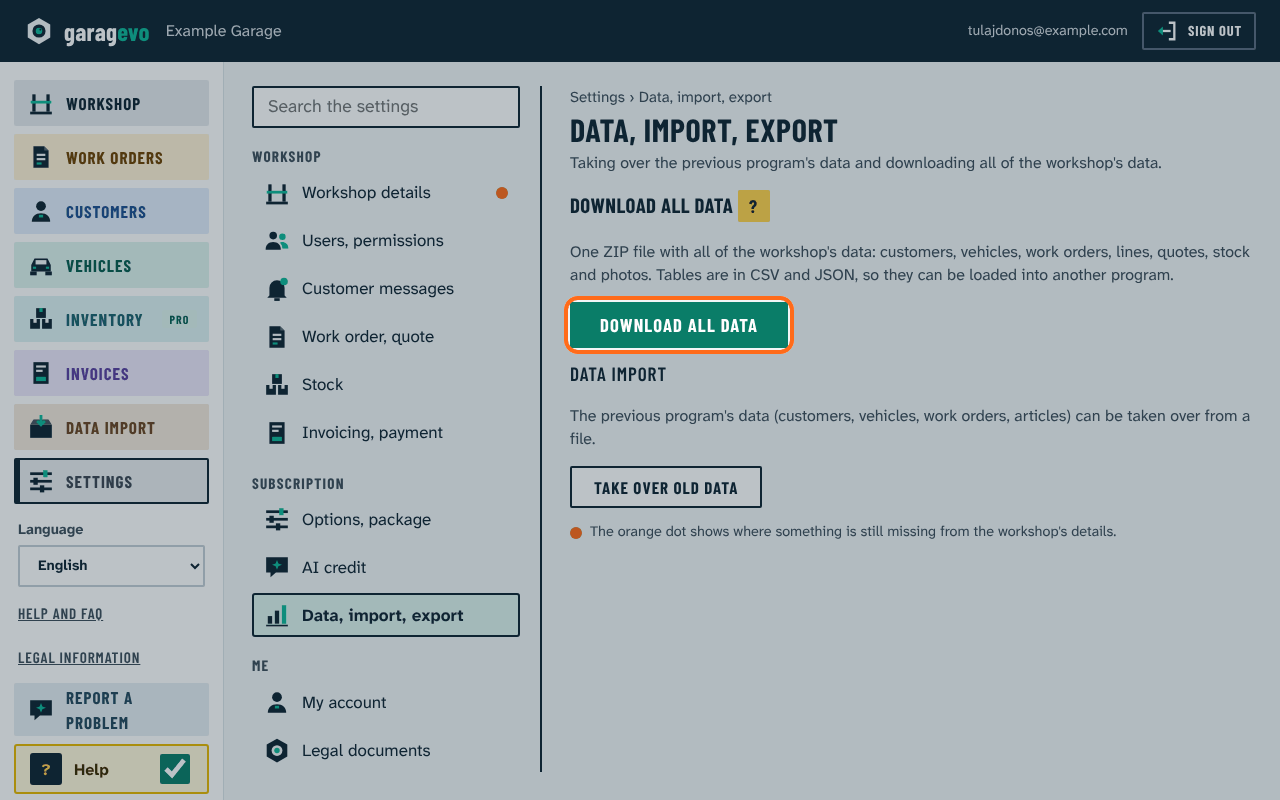
Tables are in CSV (for spreadsheets) and JSON (for other programs). Use it as a backup; when switching to another program you can take your data with you free of charge.
The owner sees the button when the Download all data option is on (Settings › Options, package, Extra modules).