How do I take photos on the work order?
In the Photos part of the work order:
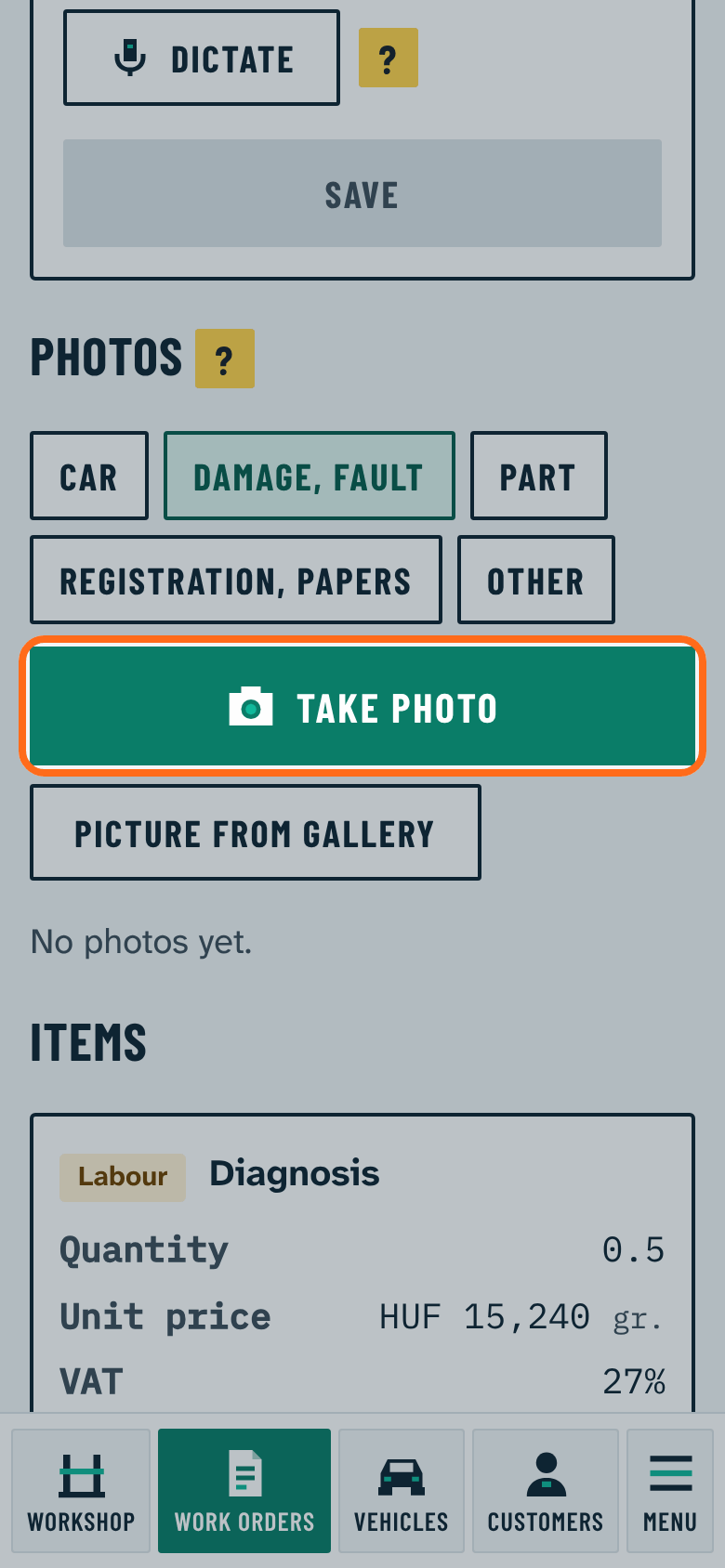
- Choose what you are photographing: Car, Damage, fault, Part, Registration, papers or Other.
- Press Take photo: the phone camera opens.
- Upload a picture already taken with Picture from gallery.
The program shrinks pictures before upload, so it is quick on mobile data too. Tap a picture to see it large; it can be deleted there. The vehicle page shows all photos of the car.