How do I send a quote by SMS?
- In the Quote section of the work order press Send the quote to the customer.
- The sending buttons appear. Press Send by SMS: the program sends the SMS to the customer's phone number itself.
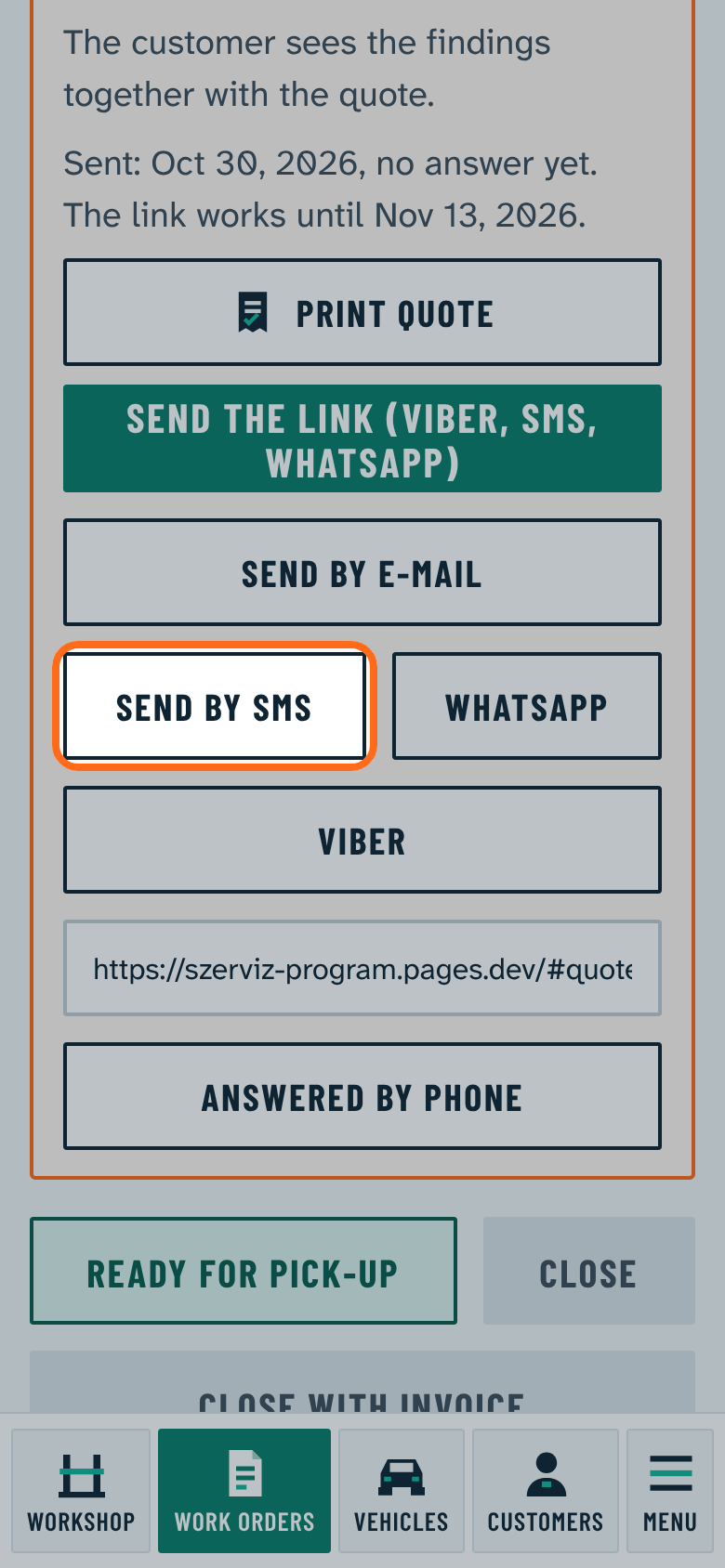
Send by SMS shows when the Send quotes by SMS option is on and it is set who sends the SMS. See: How do I set up SMS sending?
Without it, the SMS from the phone button opens your own phone's SMS app with the text ready.