How do I print the work order?
The Print button is at the top right of the work order. It gives an A4 sheet with the workshop, customer and vehicle details, the lines and the signature lines. The browser can also save it as PDF.
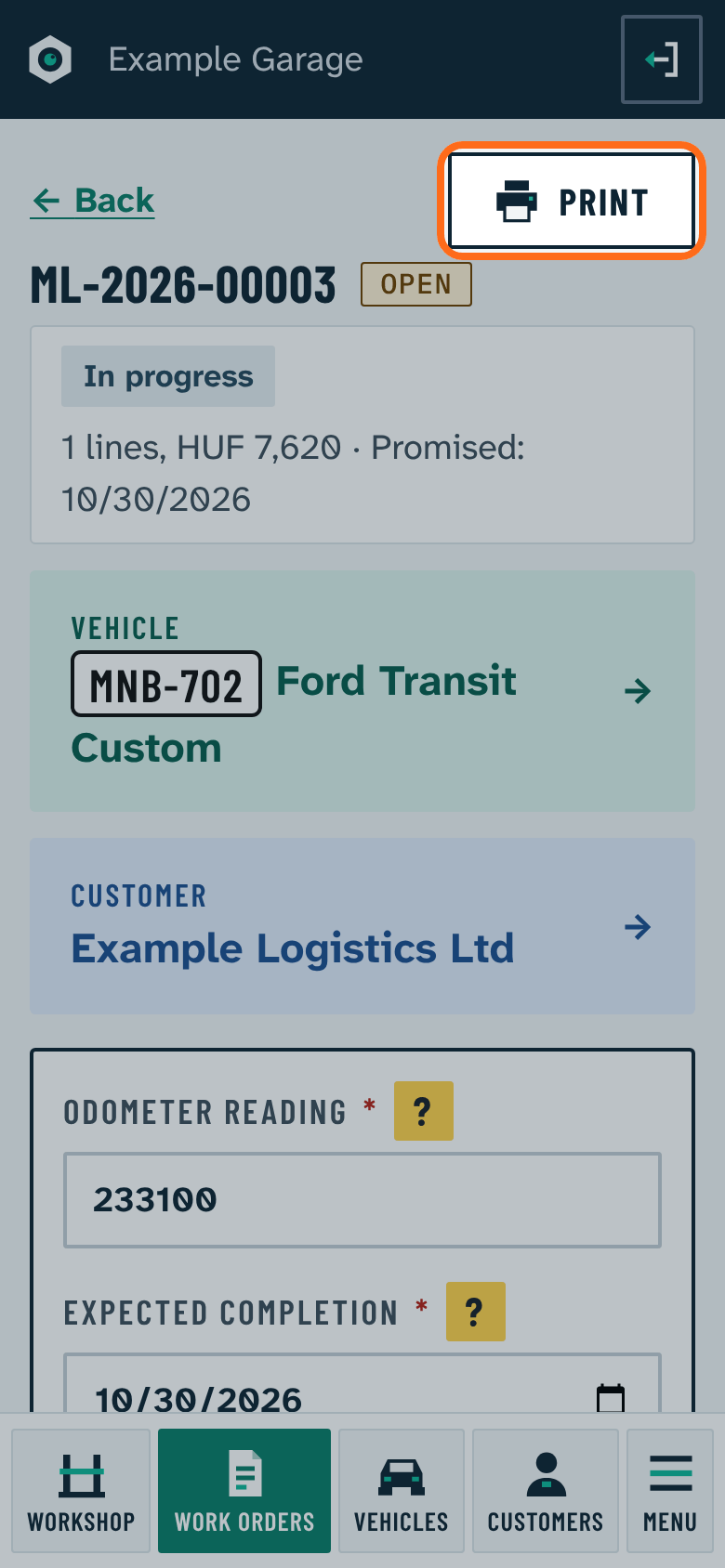
- Open work order: intake receipt with the expected completion and the customer's signature.
- Closed work order: for a private customer above 20,000 Ft gross, the warranty card is added at the bottom.
The address, phone and tax number in the header are set in Settings › Workshop details.