How do I put the program on the phone's home screen?
On Android: open the program in the phone's browser and sign in. The Workshop page shows the Put the program on the home screen button. If you do not see it, use the browser menu: Add to Home screen.
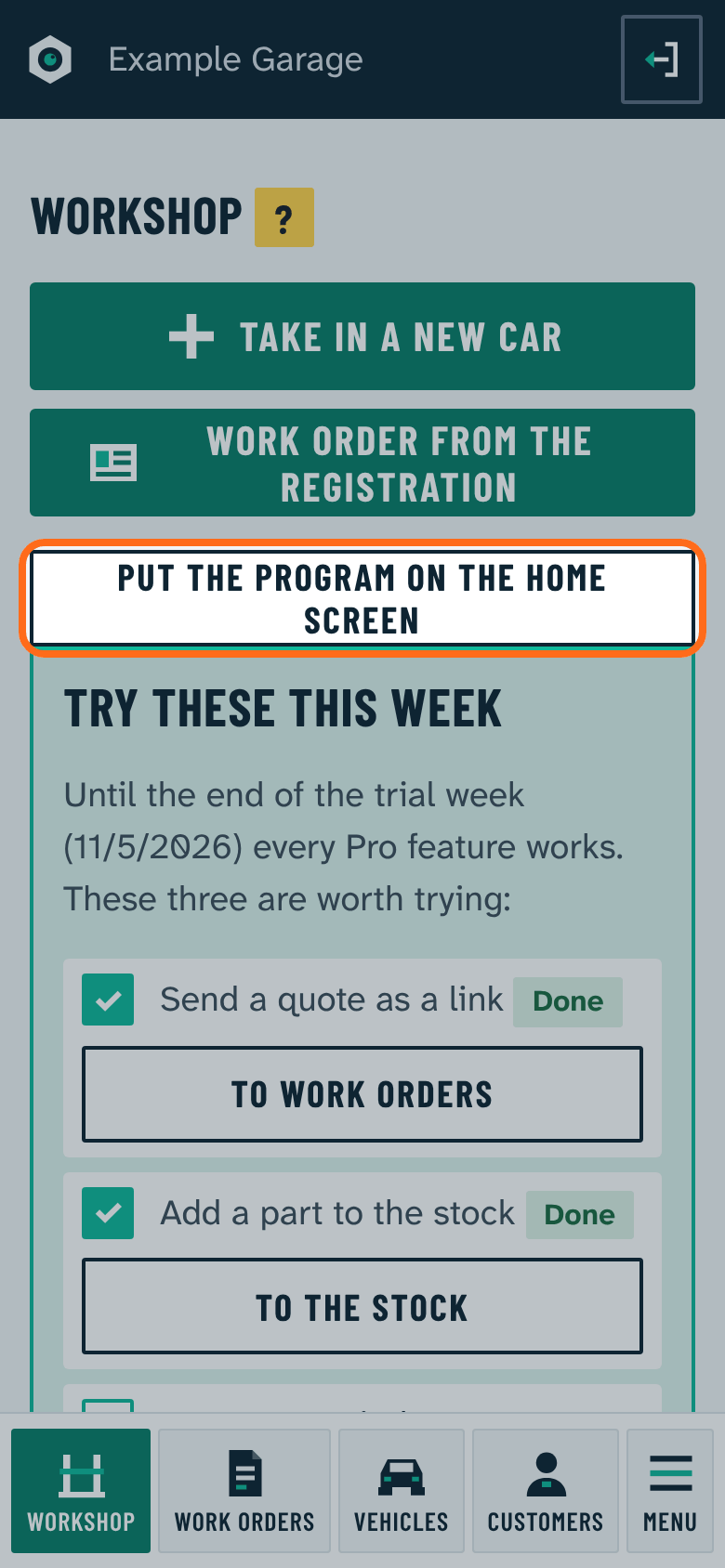
On iPhone: use Safari's Share button: Add to Home Screen.
Then the program starts with its own icon, full screen, and updates itself.